See it
One editor, three ways to work.
Pick the interface that suits you — switch any time from the top bar.
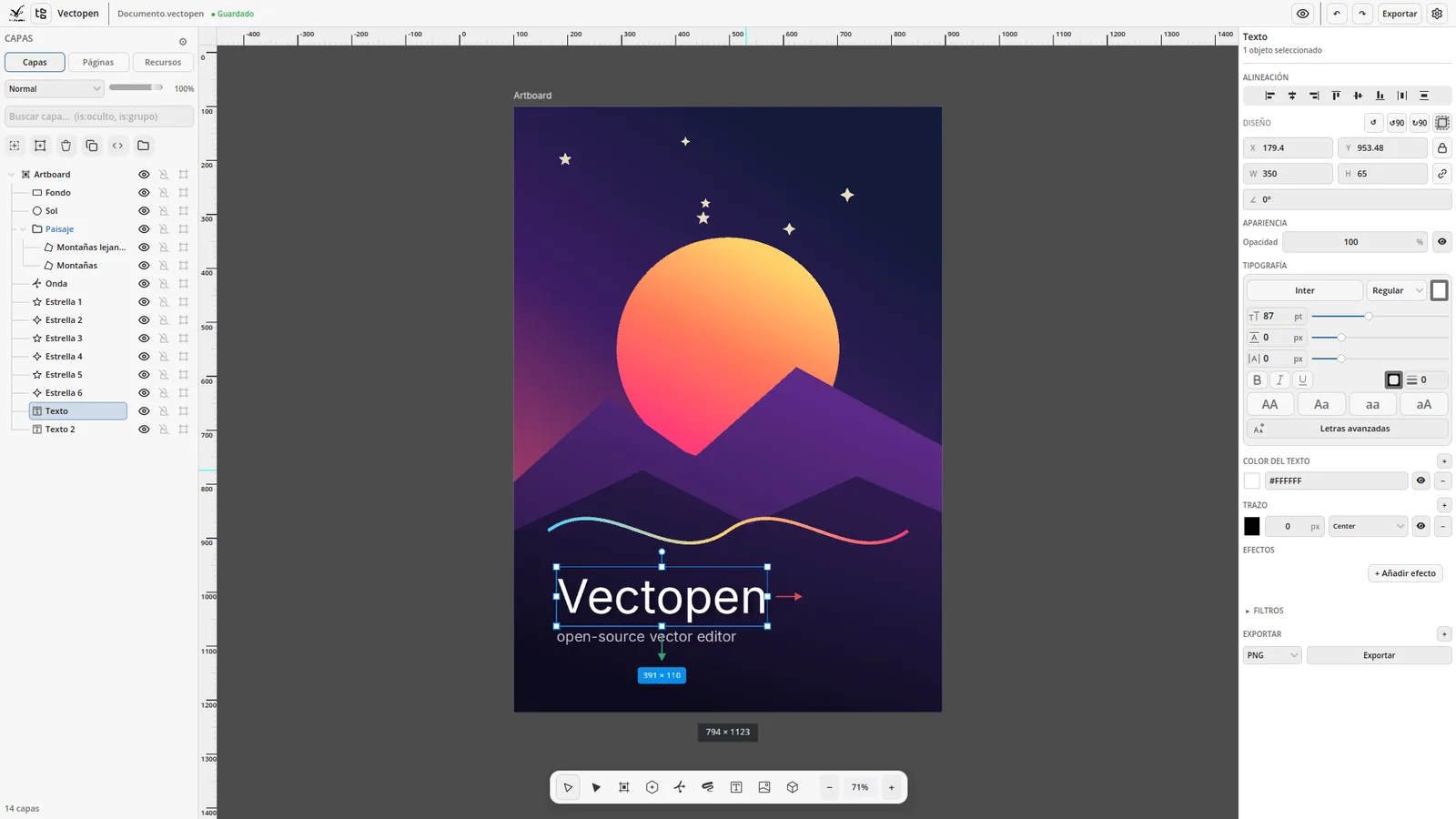
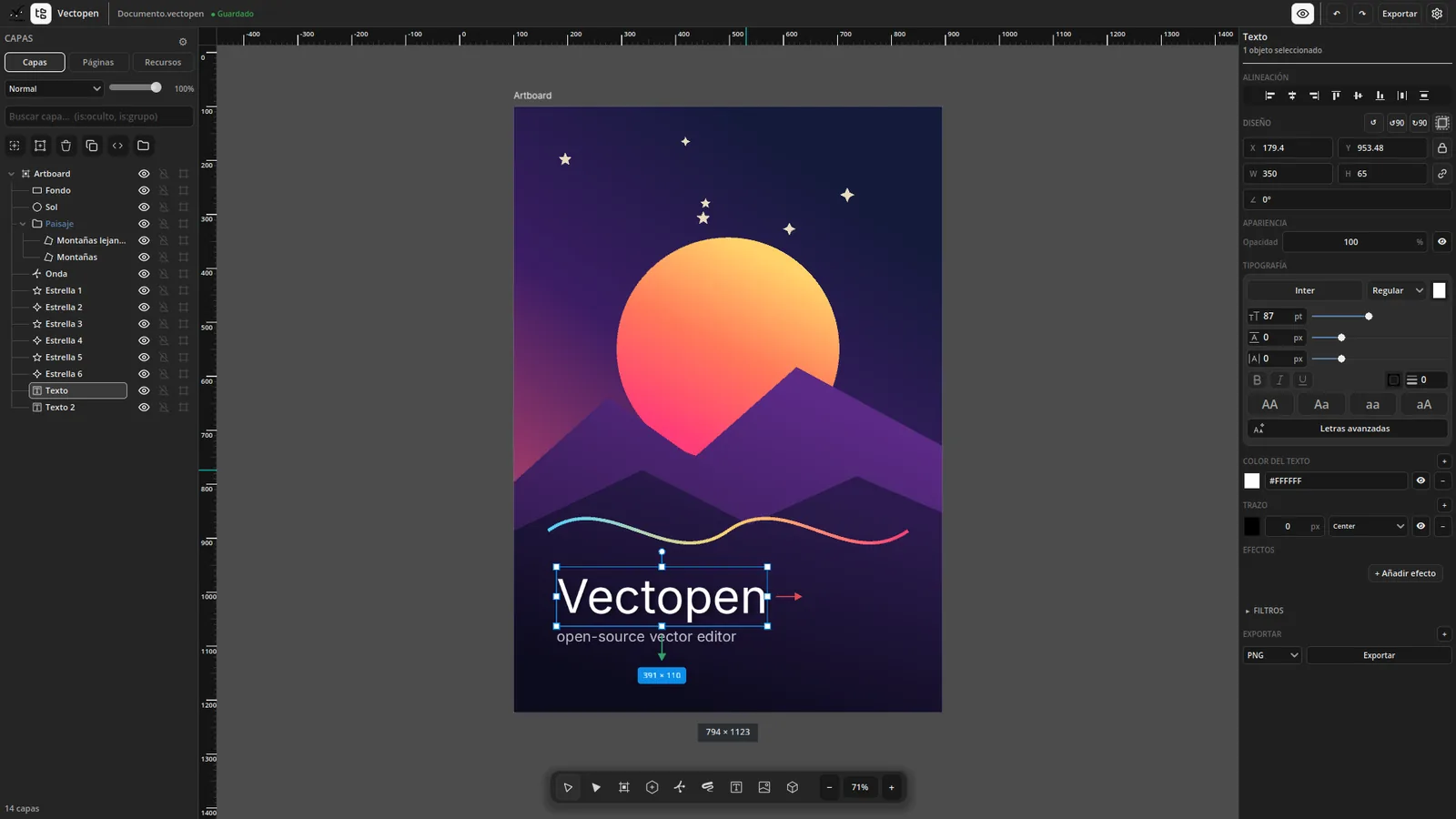
Smart
Modern
Pro
Bezier paths, multiple artboards, professional layers, gradients on fill and stroke, effects and scripting — with three interfaces to choose from. Built on Godot: light, fast and free.
Pick the interface that suits you — switch any time from the top bar.
Smart
Modern
Pro
Everything vector work needs — on solid foundations: one undo history for the whole app, a smart magnet with rulers and guides, and more than 750 automated tests.
Pen, bezier and brush, with full node editing: add, delete and convert points, or grab them with G. Rectangle, ellipse, polygon, star and a shape library (heart, drop, arrow, cloud…).
As many artboards as you need in one document. Off-screen pages are stored and freed, and the .vtc format opens only what you see — 1,000 pages and 100,000 objects open in 1.4 s.
Layers that mirror the real document: drag to any depth, sub-layers, show / lock per row and clipping masks for groups and text. An icon per type, optional thumbnails and a compact view.
Point and paragraph text, linked text frames, Google Fonts and per-letter styles and effects. Turn text into curves when you export.
Solid colour, linear and radial gradients on both fill and stroke, with stops you edit right on the canvas. Palettes, eyedropper and HSL picker.
Shadows, glow, blur, colour overlays and outlines, plus image filters and a live shader editor — all non-destructive, per object.
Smart to get started, Modern with one clean inspector on the right, Pro with a dense studio layout. Light or dark theme, 10 languages — switch any time.
A built-in GDScript console with the Vectopen API to automate anything — each run is one undo step. Install, enable and reload add-ons from the manager.
Export SVG, PDF, EPS, PNG, JPEG, WEBP and Godot scenes; import SVG and images. Vectorize turns a photo or a drawing into editable shapes.
Turn a logo, an icon, a scan or a drawing into editable vector shapes — and use two AI tools for a cleaner result. Everything runs on your computer: the AI models ship inside Vectopen, nothing is uploaded and there’s no account.

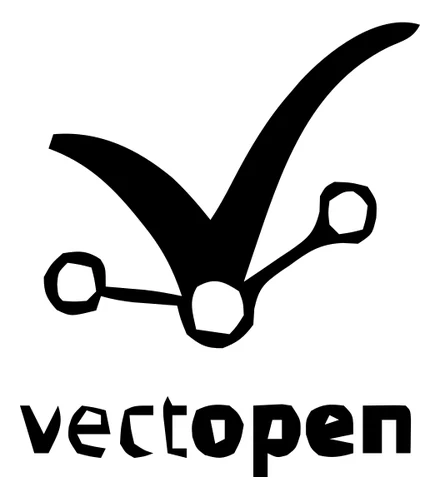
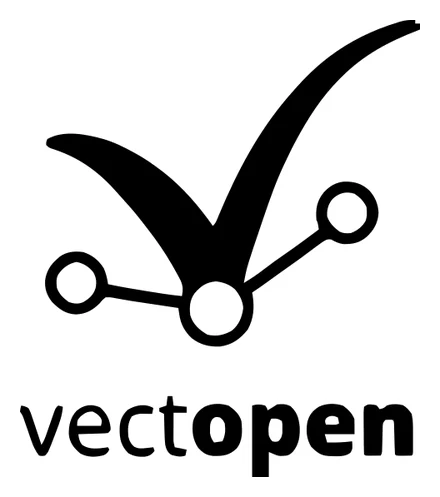
Traces the image into Bézier curves, polygons or pixels. Presets for logos, illustrations and photos; adjust detail, colours and corners, or use black & white for logos and signatures.
Cuts the subject out of its background with the U²-Net model — on its own, or automatically before vectorizing.
Enlarges small or blurry images four times with Real-ESRGAN, so the traced curves come out smooth.
Best results: logos, icons, line art, scans and flat-colour illustrations. Photos and smooth gradients are simplified into areas of flat colour.
Vectorize is available in the Linux build of 0.2.0-alpha; Windows and macOS are coming. Read the guide →
Grab a build from GitHub Releases, or run it from source with Godot 4.7 — no build tools, no .NET, pure GDScript.
Alpha build: not signed yet. Windows may show “Windows protected your PC” (More info → Run anyway); on macOS right-click the app → Open the first time. The Vectorize tab is Linux-only in this alpha. Found a bug? Tell us on Telegram or GitHub.
Prefer to run from source? Install Godot 4.7 (GL Compatibility), clone the repo and open project.godot. The main scene is scenes/canvas/canvas.tscn.
The rule: don't build speculatively — pick up a performance or format task only when a real document exposes the limit. Every bug found becomes a permanent test.
Full detail lives in ROADMAP.md.
Bilingual guides (EN / ES) covering the architecture, the rendering pipeline, the layers panel and the systems shipped this cycle.
The layered stack, the signal bus, and the path a single edit takes through undo.
How the magnet aligns to objects, spacing and ruler guides — and how it's drawn.
The layer panel, the stencil clip mask, the toolbar and the design tokens.
How shapes, text outlines and strokes are drawn on the Godot canvas.
File manager, export panel, input config, theme tokens and the test coverage.
guides/ · reference/ · reports/ — in English and Spanish.
Notes from building Vectopen — what shipped, what broke, and why. Like Godot's devblog or Blender's weeklies, but smaller.
No posts yet. Check back soon.
It's a solo project with no company behind it. If Vectopen is useful to you, a small recurring or one-off contribution buys focused development time — and it's the only funding there is.
Not in a position to donate? Starring the repo, filing a good bug report or translating the app all help just as much.
Vectopen is a one-person open-source project. Issues, pull requests and ideas are welcome — the code is mostly GDScript (Rust for text and vectorizing) with 750+ gdUnit4 tests, so it’s easy to find your way around.